
Key Takeaways:
- Know your charger: Align magnetic charging points or charging pins correctly to ensure a proper connection and prevent charging issues.
- Decode LED signals: A blinking light often indicates active charging, while a solid or unlit light may indicate a full charge, depending on the model. Always check the manufacturer’s instructions.
- Protect battery safety: Make sure the device and charging cable are completely dry before charging, and follow the manufacturer’s recommendations for storage and charging.
- Quick troubleshooting: If your device does not charge, clean the charging contacts and check the connection and alignment between the device and charger.
What You Need to Know Before Charging a Vibrator
Before learning how to charge a vibrator, first check what type of charging system your device uses. Rechargeable models come with a built-in battery and use different types of charging connections:
- Wired USB charging: A USB cable connects directly to a charging port on the device.
- Magnetic charging: A magnetic USB cable attaches to metal contact points on the vibrator. The contacts need to align correctly for charging to begin.
- Magnetic charging stand: Some models sit on a magnetic charging base rather than connecting to a cable directly.
- Plug-in charging: Certain larger devices, such as some wand-style models, use a dedicated power adapter or DC charging cable.
- Wireless charging: Some rechargeable models use a wireless charging base, including systems based on Qi technology.
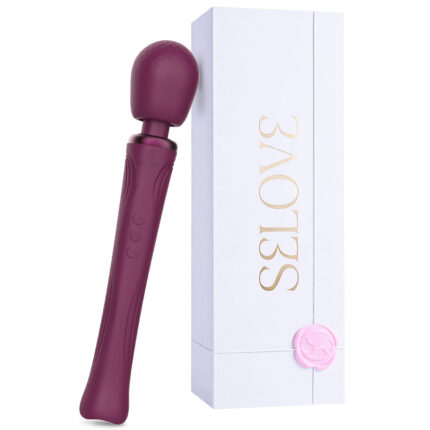
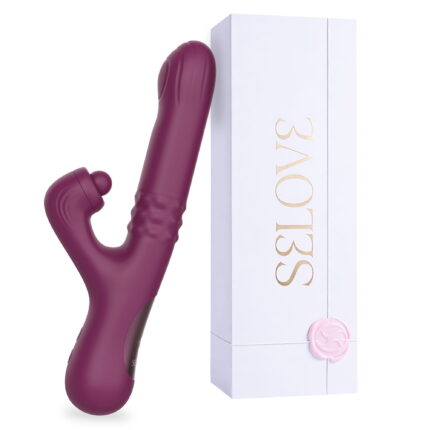
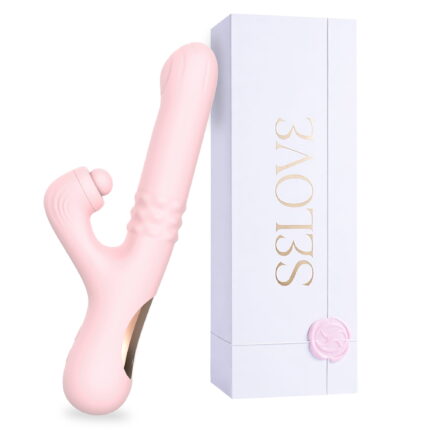
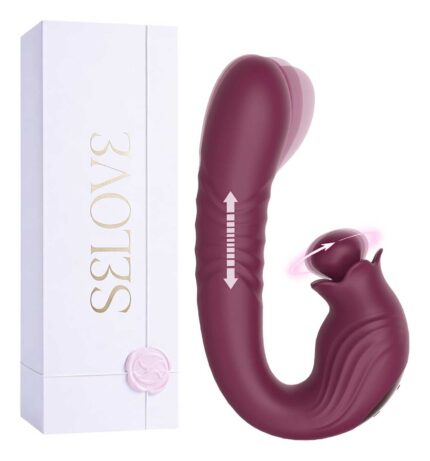
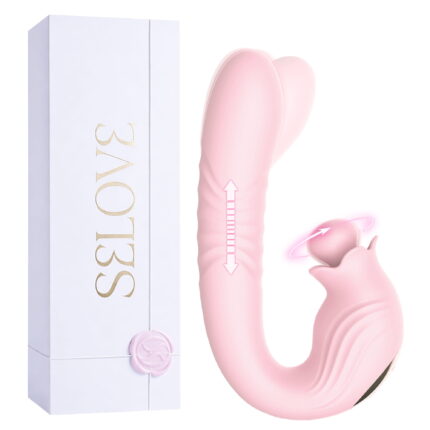
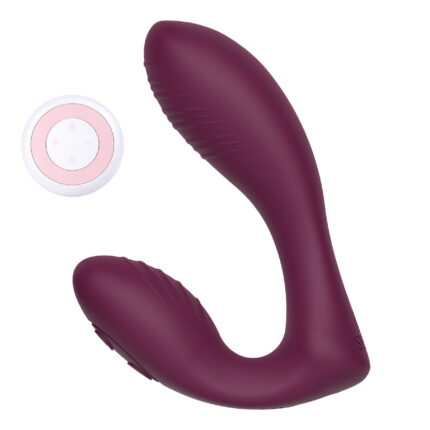
If you’re planning to buy vibrators online, you can explore and shop from a wide range of options at SeLove. Before purchasing, check the product specifications to choose a model with a charging system that suits your routine.
Step-by-Step Guide: How to Charge a Vibrator
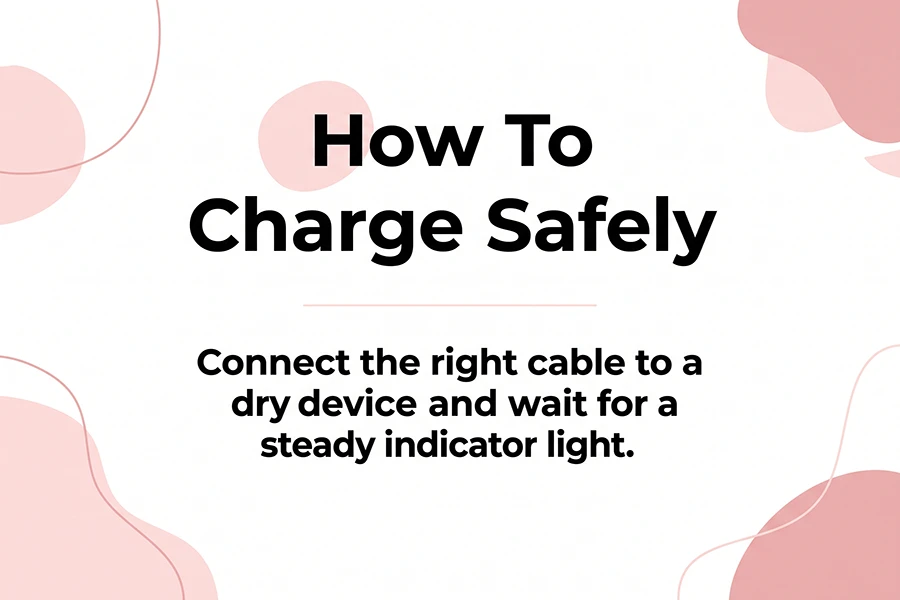
Once you know which charging system your vibrator uses, how to charge a vibrator is usually straightforward. I recommend checking the manufacturer’s instructions first, then following these four steps:
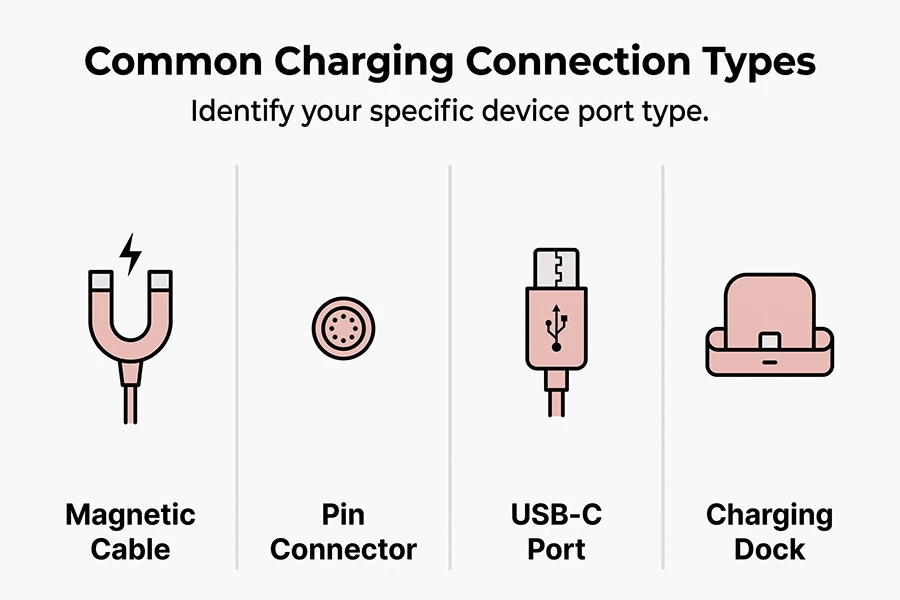
- Find the charging port: Locate the vibrator charging port and connect the cable according to your device type. For magnetic models, align the magnetic contacts securely; for USB-C or pin-style models, insert the connector gently and correctly.
- Use the correct power source: Connect the USB cable to the power adapter or charging equipment recommended by the manufacturer.
- Check the indicator light: A blinking or pulsing light usually means the vibrator is charging, while a steady light, color change, or light turning off may indicate a full charge.
- Allow enough charging time: If you’re wondering how long to charge a vibrator, the answer depends on the model and battery. Many rechargeable vibrators take around 1.5 to 3 hours, but the manufacturer’s recommended charging time should always take priority.
- Unplug after charging: Once the vibrator is fully charged, disconnect it from the power source unless the manufacturer’s instructions specifically state otherwise. This also makes it easier to store the device safely until your next use.
Read More: Best Vibrator for Beginners: 6 Easy-to-Use Options for Your First Time
The table below outlines common vibrator charging methods, typical charging times, and how to identify when the device is fully charged.
| Charging Method | What You May See | Typical Charging Time | How to Know It’s Full |
| Magnetic cable | Two small metal charging contacts | About 1.5–3 hours | Light becomes steady, changes color, or turns off |
| Pin-style connector | Small charging opening | About 1.5–3 hours | Indicator depends on the model |
| USB-C | Recessed USB-C port | About 1.5–3 hours | Indicator depends on the model |
| Charging dock | Dedicated charging cradle or base | Varies by model | Check the dock or device indicator |
Essential Safety Tips While Charging
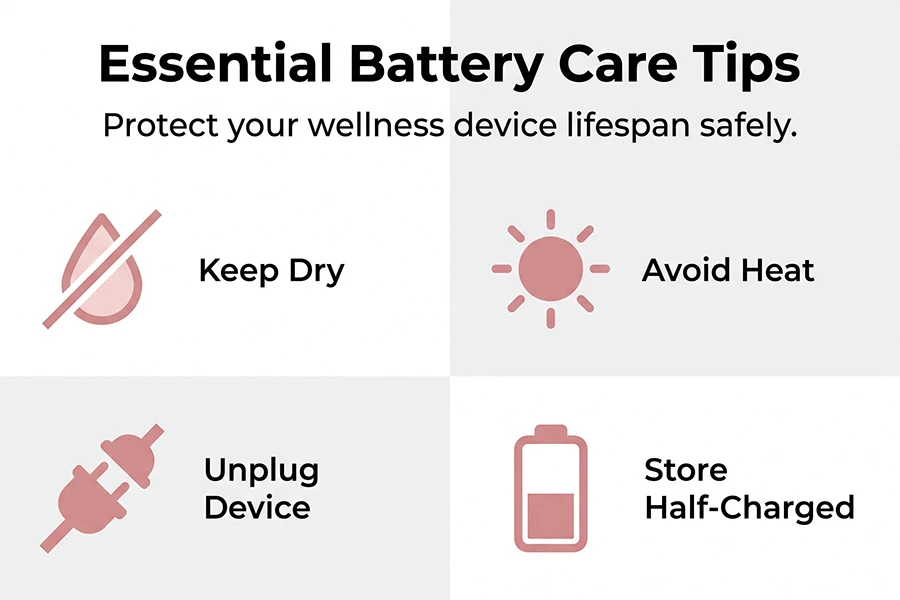
Keeping your vibrator dry and charging it in a cool place can help protect both the device and its battery.
- Charge only when dry: Make sure the vibrator and charging area are completely dry.
- Avoid heat and sunlight: Excessive heat can reduce battery performance and lifespan.
- Avoid unnecessary charging: Unplug the device once it is fully charged when practical.

What to Do When Your Vibrator Won’t Charge
If your vibrator won’t charge, the issue may be with the cable, power source, or charging contacts rather than the battery.
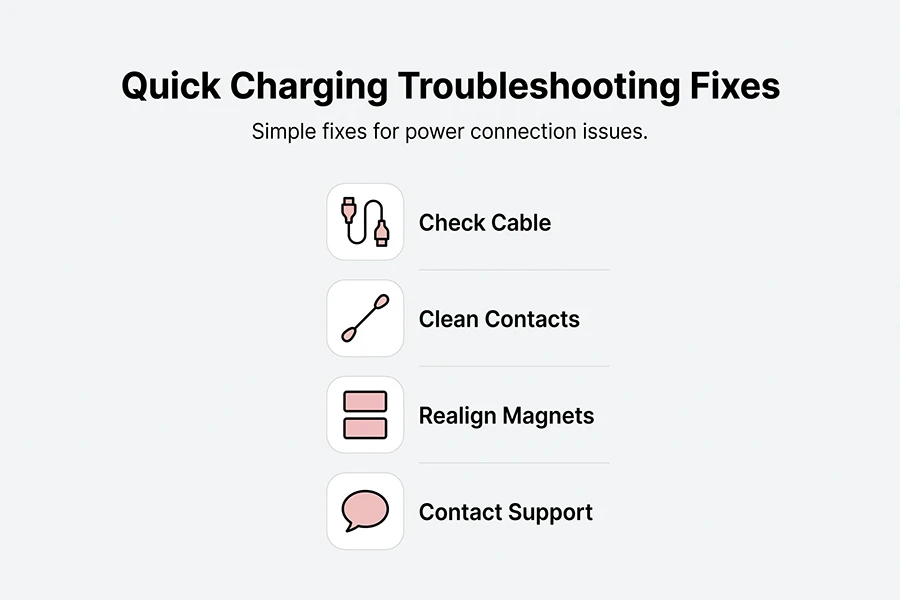
- Check the cable and power source for proper connection or damage.
- Clean and dry the charging port or contacts according to the manufacturer’s instructions.
- Realign magnetic connectors if needed.
- Contact the manufacturer or seller if the problem persists; avoid attempting repairs yourself.
Read More: 12 Sex Toys FAQs: Answers to the Most Common Questions About Sex Toys
Battery Maintenance for Long-Lasting Performance
Never leave your tool completely drained for extended months, as deep discharge degrades lithium cells. Store your clean, dry device at roughly 50% battery charge in a cool, dark drawer.
First Charge Before First Use
Before using a rechargeable vibrator for the first time, I recommend giving it a full charge according to the manufacturer’s instructions. This gives you a reliable starting point and helps you understand how the charging indicator behaves on your particular model.


Final Thoughts
Learning how to charge a vibrator is usually straightforward once you know which charging system your device uses. Keep the device dry, use the recommended cable and power source, pay attention to the charging indicator, and follow the manufacturer’s instructions for your specific model. These simple habits can make charging easier while helping you take better care of the device and its battery.
References: worldblog
Can I use my device while it is actively charging?
Usually, no. Many rechargeable wellness devices are designed not to operate while connected to a power source. However, this depends on the model, so always follow the manufacturer’s instructions.
Is it normal for the charger to feel slightly warm during use?
A slight amount of warmth can occur during charging. However, if the charger or cable becomes unusually hot, smells unusual, or shows signs of damage, unplug it immediately and stop using it.
What should I do if I lost my original charging cable?
Contact the manufacturer or an authorized retailer for a replacement cable that is specifically compatible with your model. Avoid using an incompatible cable or charger, as it may damage the device or battery.